
 [ Updated Dec. 19, 2025, with answers covering connectivity and read/write speeds. ]
Recently, I wrote about the gear I use to backup my data (link) and, in it, I mentioned a fairly-new Blu-ray Disc technology that stores up to 128 GB on a single, write-once drive at a very affordable price. Even better, this unit supports M-DISC, which offers storage that lasts for hundreds of years and can’t be modified once written.
NOTE: This technology burns data for future computer use, not burning Blu-ray movies for playback. The technology may support this, but that is not what this article is about.
Intrigued to learn more, I contacted Larry O’Connor, CEO of OWC.
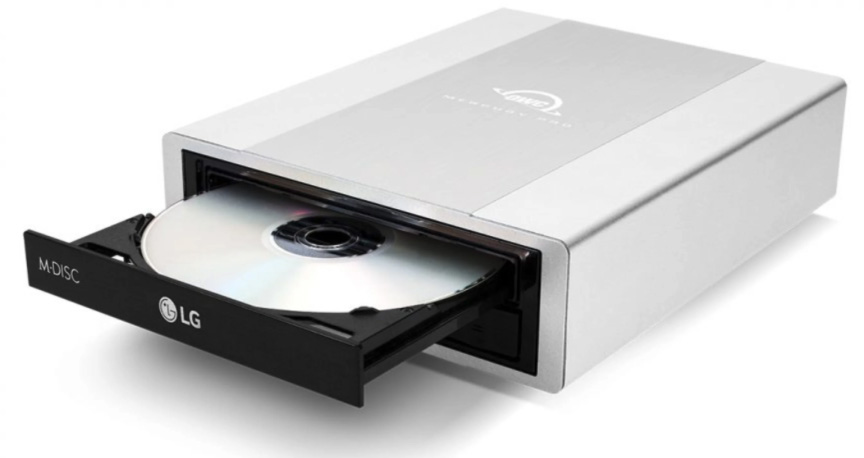
Larry: What is the OWC Mercury Pro?
Larry O’Connor: The OWC Mercury Pro is our plug-and-play external optical drive enclosure. It works with almost any modern or older Mac or PC and it lets you use high-capacity Blu-ray media, including quad-layer discs and M-DISC – for simple and dependable long-term storage. It supports Mac, Windows and some Linux systems.
Larry: What storage capacities does it offer?
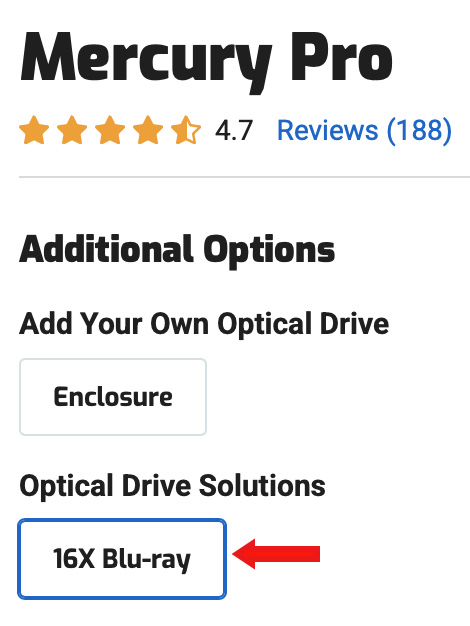 Larry O’Connor: That depends on the optical drive you install, but – for example – a quad-layer Blu-ray disc gives you up to 100 GB per disc and M-DISC media is available in Blu-ray formats as well. It is a huge step up from the 4 to 8 GB limit of DVD.
NOTE: On the OWC website, you need to choose the 16X Blu-ray Disc option (see screen shot at right) to get this capability. (Retail price: $179.99 US.)
Larry: Optical media has been in decline for several years. Is this technology still supported on Mac and Windows? Do we need any special drivers?
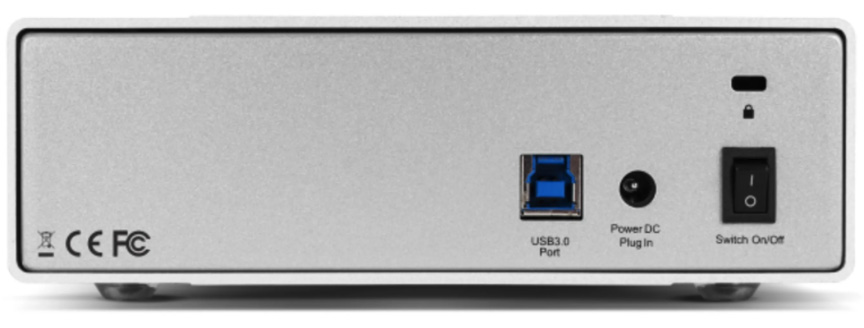
Larry O’Connor: Support is built into macOS and Windows. Linux compatibility depends on the distribution and installed optical drive Mercury Pro works through standard USB and uses standard SATA optical drives, so there are no special drivers or workarounds. You plug it in and the system recognizes it right away.
Larry Jordan Notes: The 100 gigabyte disc capacity requires a BD-XL Blu-ray writer to engrave successfully. Several companies make them, OWC uses a burner made by LG.
Larry O’Connor: The OWC Mercury Pro connects via USB 3.0 (USB 3.2 Gen 1) using a Standard-A to Standard-B cable. The enclosure bridges USB to a standard SATA optical drive, which means it works plug-and-play with macOS and Windows systems and does not require proprietary drivers. While USB 3.0 offers up to 5 Gb/s of bandwidth, real-world performance is governed by optical media speeds rather than the USB interface itself.
Larry: I’m most interested in the Quad Layer drive. What data transfer rates can we expect? In other words, how long does it take to burn 100 GB of M-disk media and how fast can we read from it?
Larry O’Connor: Here are the specs.
Write (Burn) Speeds
Read Speeds
Larry: How does “quad layering” in Blu-ray Disc burning work?
Larry O’Connor: A quad-layer disc stacks four data layers inside the same physical Blu-ray. The drive writes and reads through each layer independently, giving you up to 100 GB on a single disc without changing the workflow. The process is entirely managed by the burner and the burning software, so the user experience stays simple.
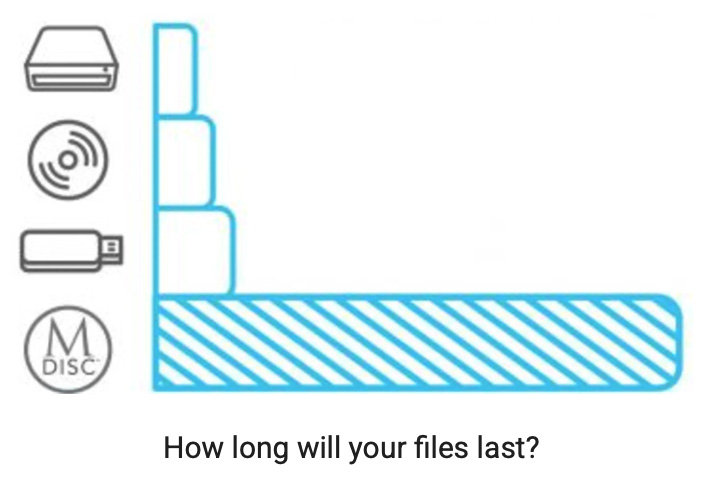
Larry: What are M-DISCs?
Larry O’Connor: M-DISC is a type of optical media. It uses an inorganic, stone-like data layer instead of the organic dyes used in DVD and Blu-ray. Your burner literally engraves the data into that layer. This makes it highly resistant to heat, humidity, light, and data rot. The M-Disc (millennium disc) technology is designed literally to namesake seeking 1000 years, a millennium of reliable data storage/retrievability.
Larry: Are they truly likely to last for more than 100 years? How are these longevity limits determined?
Larry O’Connor: The lifespan comes from accelerated aging tests that simulate decades of exposure to heat, light, and humidity. And, because the data is etched into a stable inorganic layer instead of dye, it does not fade the way conventional discs do. Nothing is perfect… but the longevity advantage is very real and well-documented. One hundred years is at only one tenth of the design life… and should be more than realistic.
Larry: How many companies manufacture M-disks; in other words, if the company now making them decides to leave the market, are we out of luck?
Larry O’Connor: Only a handful of manufacturers produce true M-DISC certified media, right now. The important thing is, even so, that the discs you burn today stay readable in any standard Blu-ray drive in the future because the format itself is not proprietary. Your M-DISC archive remains accessible, as long as Blu-ray drives exist.
Larry: What software do we need to burn these discs?
Larry O’Connor: On Mac, Blu-ray burning typically requires third-party software such as Roxio Toast 20 Pro or other Blu-ray authoring applications – although even MacOS Finder has some limited ‘burn’ write capability directly. On Windows, you can use built-in tools or third-party software – i.e., Nero, ImgBurn, or any utility that supports Blu-ray burning. Nothing special is required for M-DISC. M-DISC is a media specification and hardware capability that work together without any special software settings or end-user process.
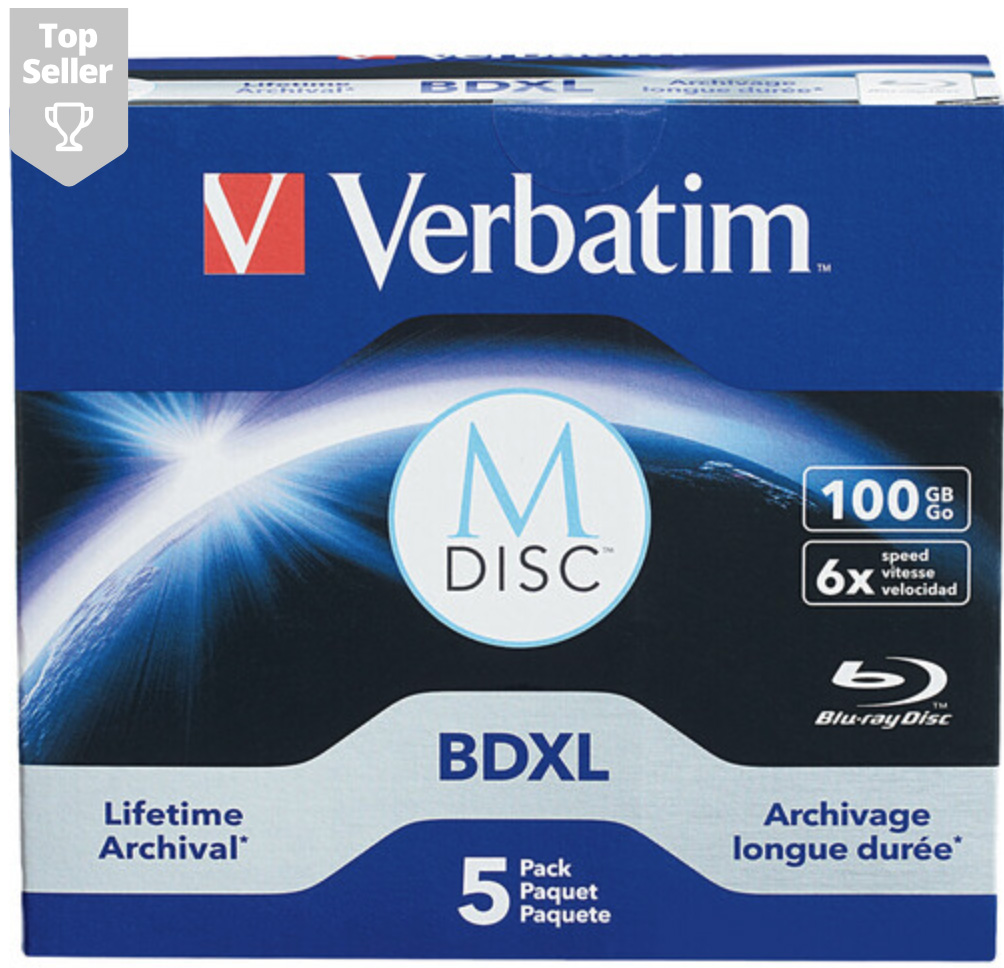
Larry: Are there recommended disc vendors?
Larry O’Connor: We always suggest choosing reputable brands for archival work. Verbatim is a common choice for M-DISC media and many creators also stick with well known Blu-ray manufacturers who publish their quality and testing standards.
Larry: What do media creators need to know when considering OWC Mercury Pro and M-disks for long-term asset archiving?
Larry O’Connor: They should know this is a simple and affordable way to create a stable, air-gapped backup that malware and ransomware cannot touch. A 100 GB optical disc gives you a fixed version of a project you can trust for decades, and the media offers long-term archival stability. For anyone who values long-term protection of finished work, this is an easy tool to add to enhance the workflow and a smart safeguard for the future.
Larry: I guess my most important question is: Is this high-density optical storage the tail-end of a dying technology or something we can count on going into the future?
Larry O’Connor: High-density optical has a solid future, but it should be seen as an enhancement to a smart archive strategy rather than the only pillar. It gives you a stable, permanent, air-gapped copy of your work, which is incredibly valuable, yet no creator should ever rely on a single medium to protect what matters. The safest approach is always a mix of storage types so your work is preserved even if one layer of protection fails. Optical plays an important role in that mix because of its longevity, cost-effectiveness, and simplicity, and it does that job very well.
Larry: Larry, thanks for your time.


