
 A reader sent me this report:
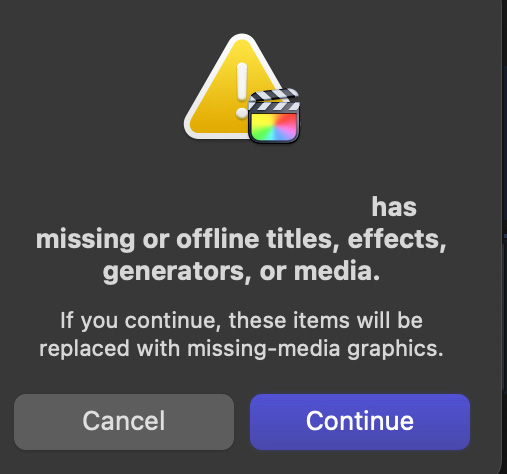
“I’m editing a feature documentary, and yesterday I encountered a strange “problem” that maybe you want to investigate. After updating my library to FCP 11.2 (I know I should not update in the middle of a project…) when I tried to export the project, the infamous message “[my project] has missing or offline titles, effects, generators, or media” appeared without having any offline media or offline effects appearing in my project.
I did my research and followed the standard procedures by Deleting Rendered Files for the Project, but that didn’t fix it.
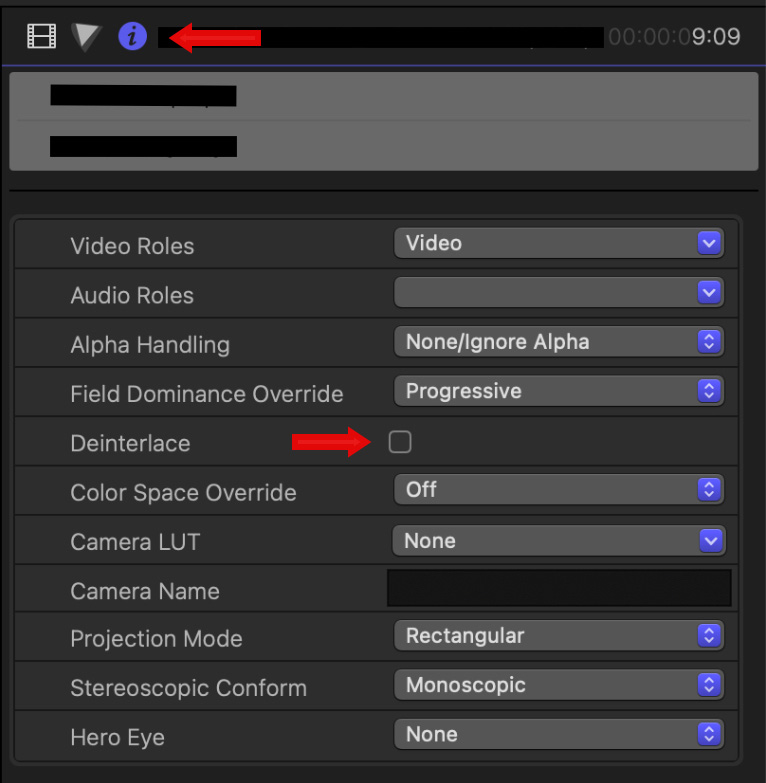
To make the story short, I discovered that on two clips I applied Deinterlace from the Info Inspector under Settings. Deactivating it was not enough; you also need to delete it in the Video Inspector under Effects.
It’s a strange behavior.
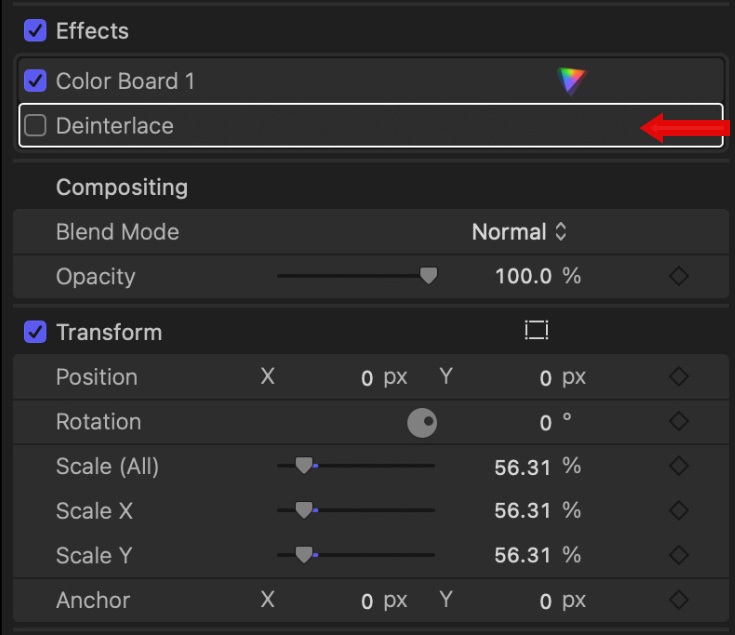
I had no recollection that if you apply Deinterlace from the Inspector under Settings, it will then appear under Effects. Also, I tried to reapply the Deinterlace from Settings, but it doesn’t work anymore (I know my project is Progressive, but before, I was able to use it).
This happened to me in the past to get the [“my project” has missing or offline titles, effects, generators, or media] , but only with third-party effects, never with basic effects that are part of FCP.
Larry responds: Of all the error messages in FCP, this is both the most cryptic and most frustrating. Thanks for discovering the importance of turning deinterlacing off in two places.
I’ll share this with my readers.



One Response to Caution When Deinterlacing in Final Cut Pro 11.2
I had this problem too. I was able to export after deleting all render files in the project.