
 In Apple Final Cut Pro, when you only apply one effect to a clip, you get exactly the results you expect. However, when you add multiple effects to a single clip, the order in which those effects are “stacked” in the Video Inspector directly affects the results you get.
FCP ALWAYS processes effects from top to bottom in the Inspector, with all applied effects processed before any of the built-in effects (Transform, Crop, Distort, etc.).
NOTE: This is true for all versions of Final Cut Pro.

Let me illustrate with this clip – early morning at the entrance to Angkor Watt, a temple complex in Siem Reap Province, Cambodia. (Travel fact: It is the world’s largest religious structure at over 400 acres.)
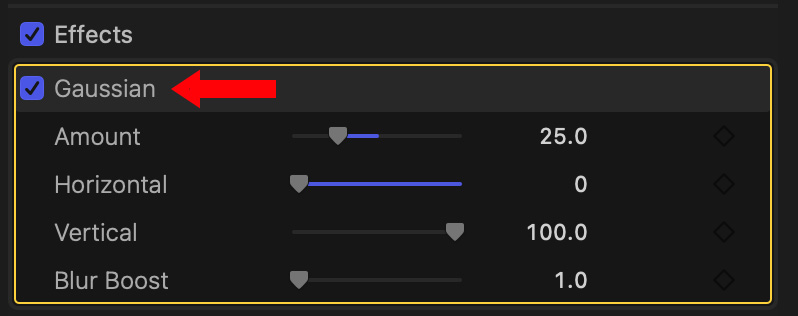
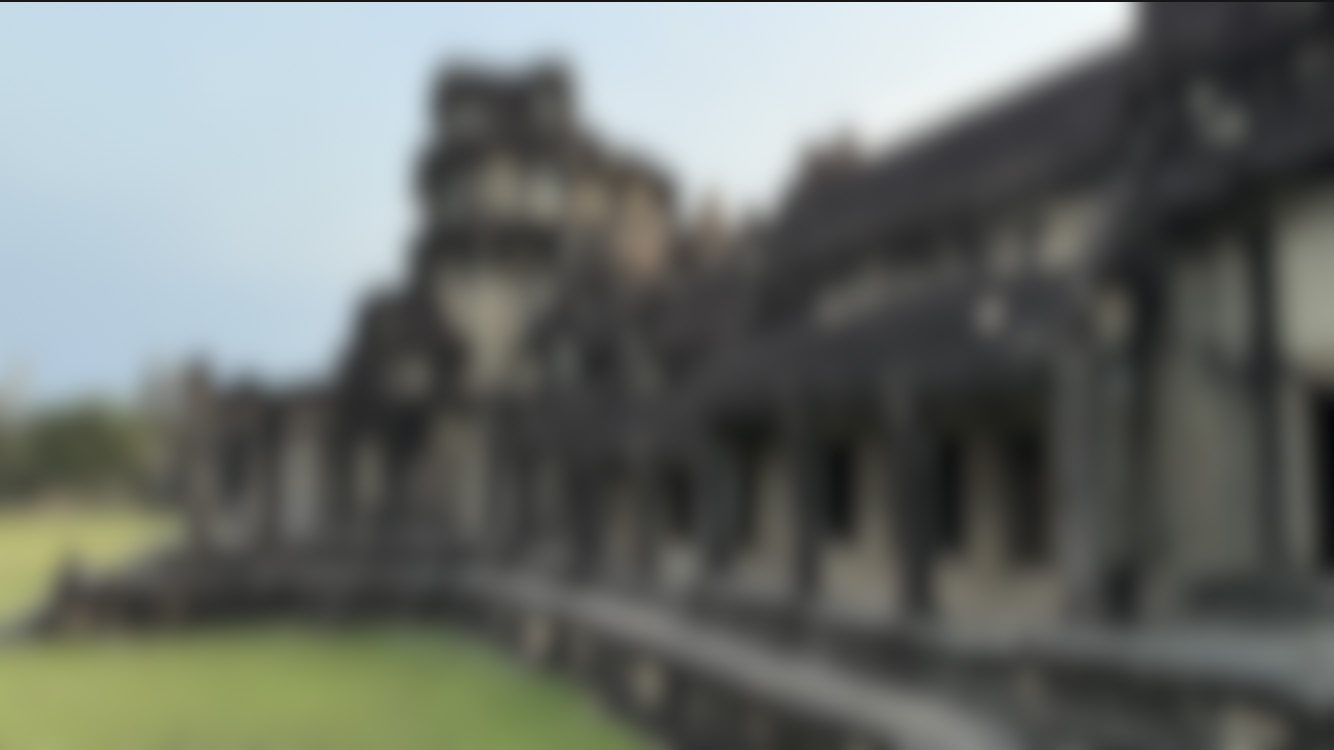
If I add a Gaussian blur effect, the clip blurs. Exactly as you expect.
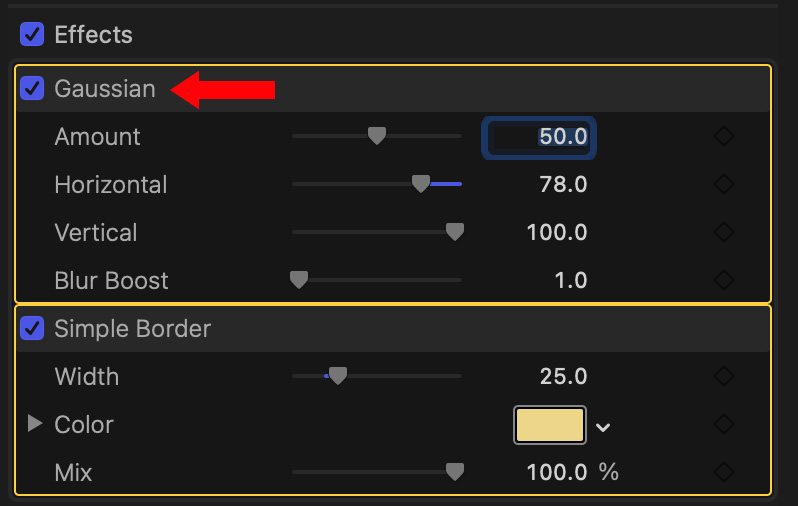
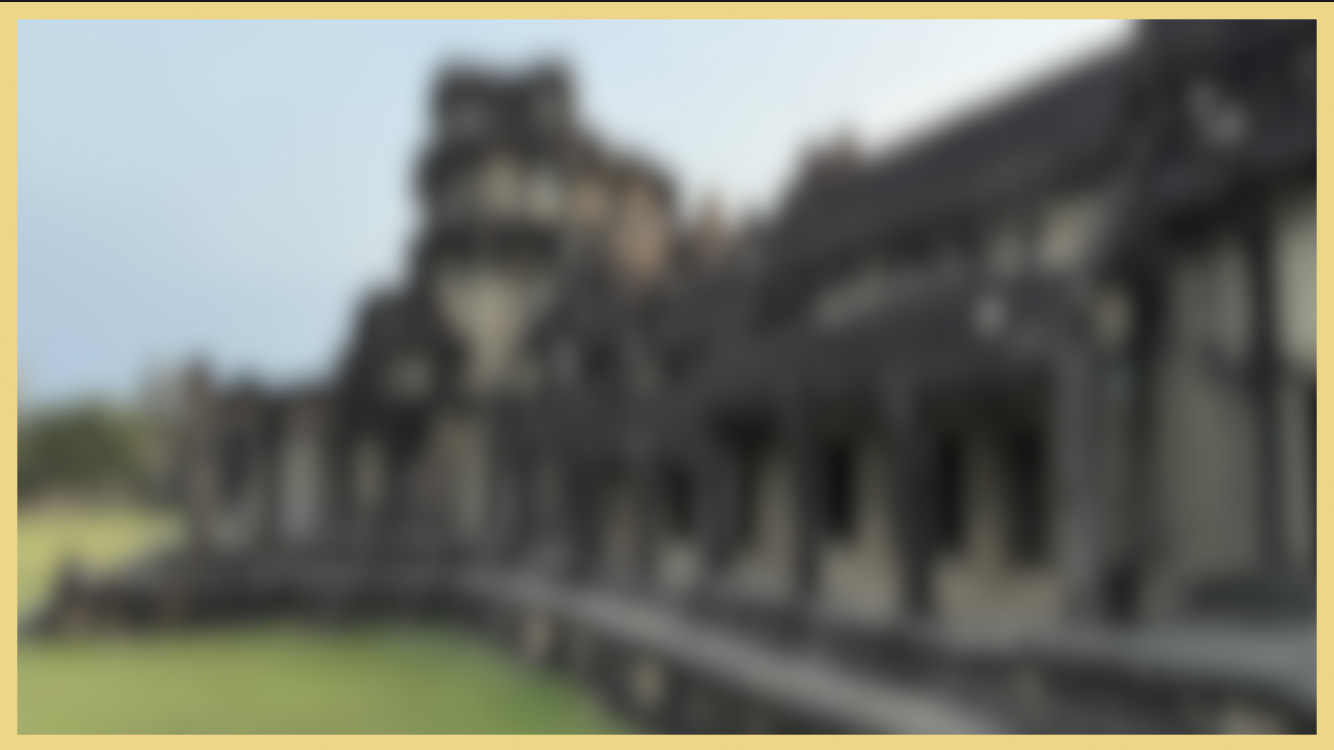
If I add a Simple Border effect and color the border, the image is blurred, then a clean, sharp border is added. Notice the stacking order: the blur is on top (processed first), then the border underneath (processed second).
NOTE: New effects are always added below existing applied effects. Applied effects are those added from the Effects browser. Built-in effects are those “built-into” the Video Inspector.
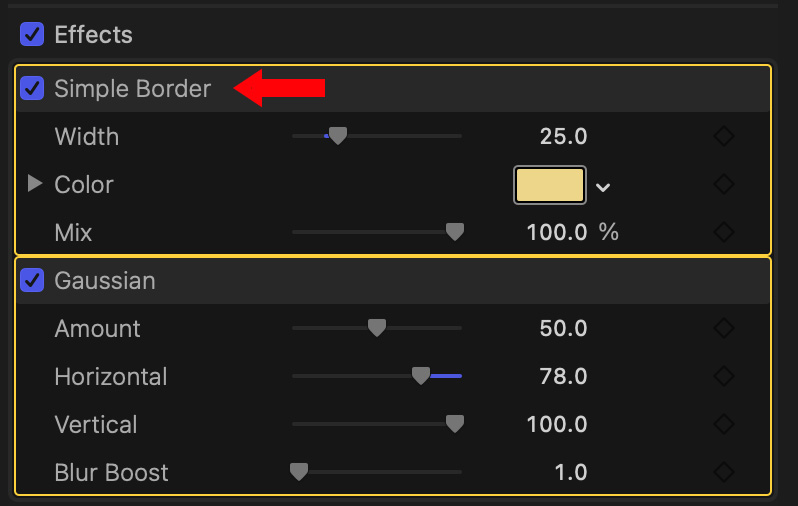
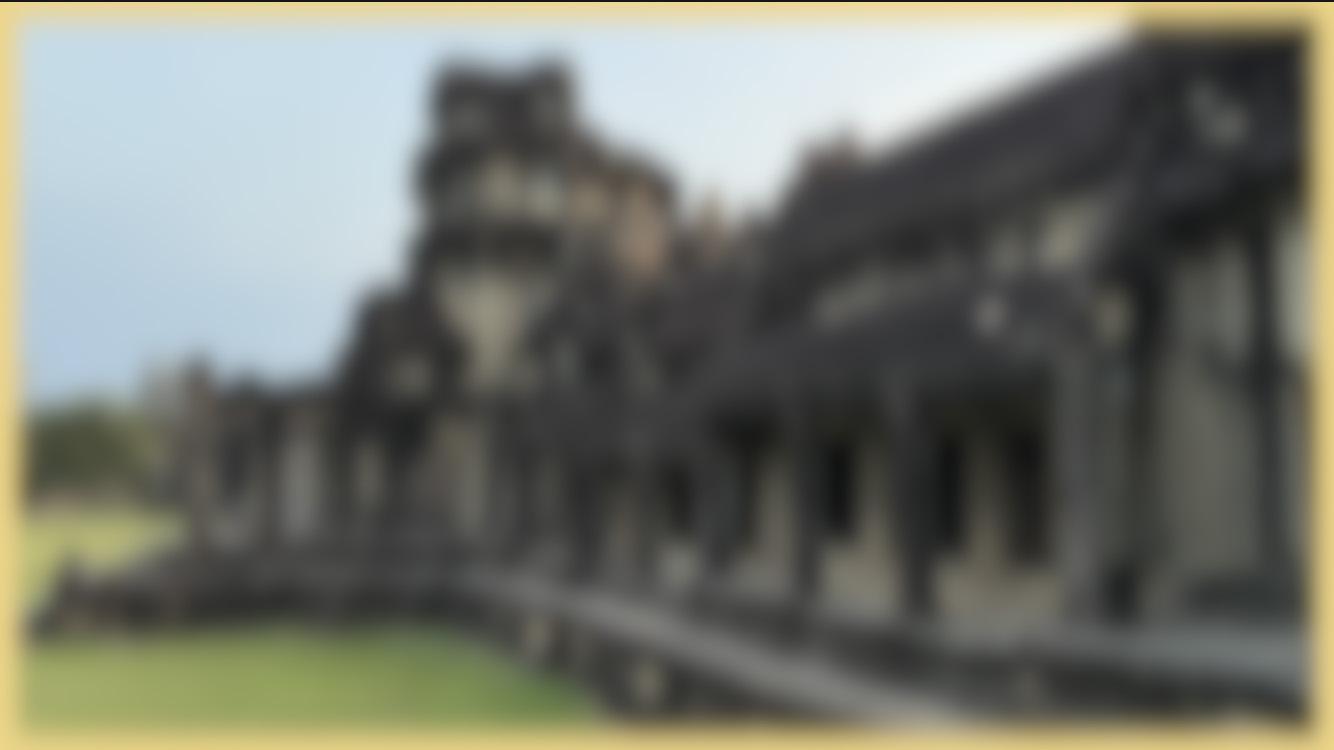
Now, let’s flip the order. Drag the border above the blur in the Video Inspector. This time, the border is added first, followed by the blur effect. Now both the border and image are blurred.
Not the same look at all.

If I keep the border above the blur, then scale the clip to 50% size, all the nice soft edges are gone. The only way to process Transform effects before applied effects is to use a compound clip.
NOTE: Here’s an article that explains how.
Let’s take this one step further.
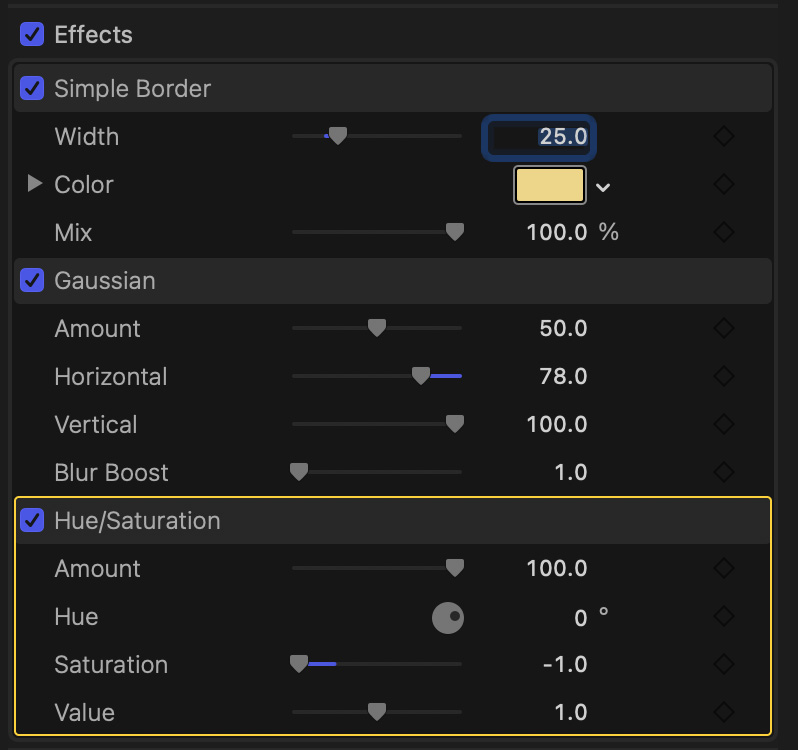
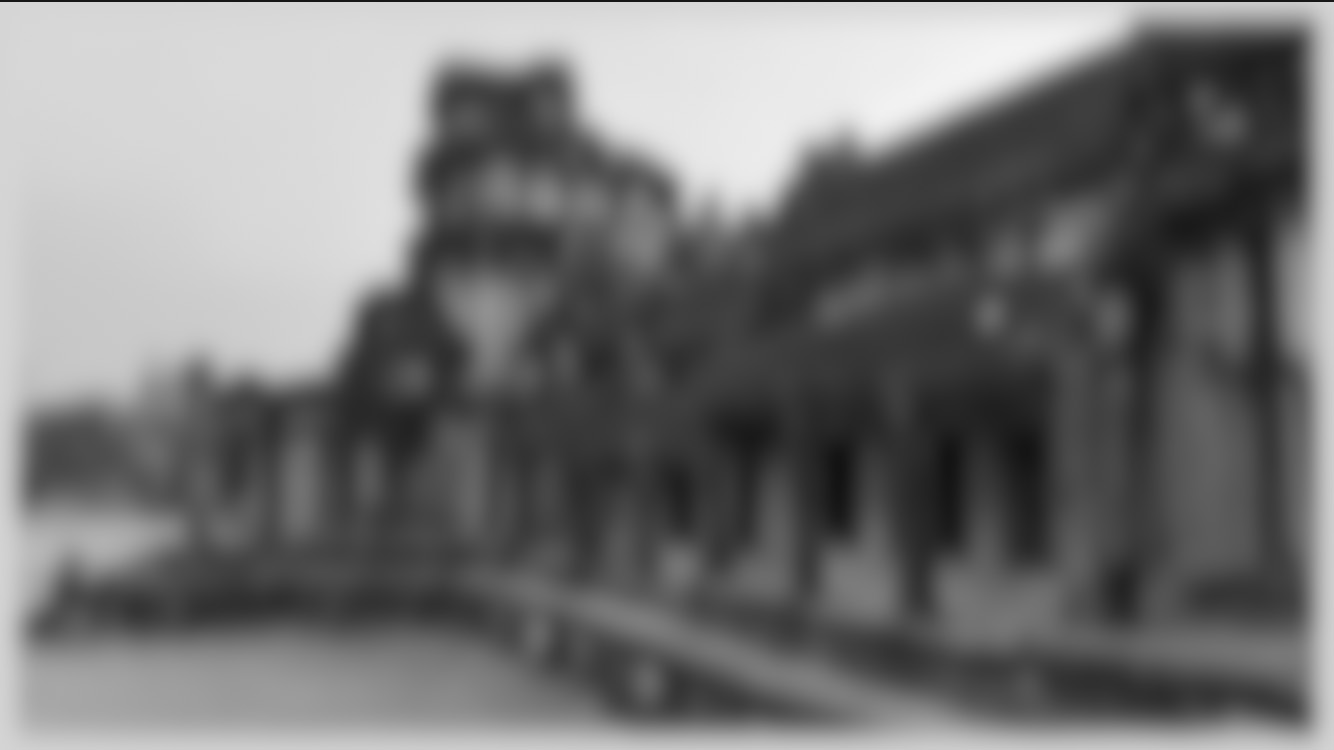
If I add Hue/Saturation and desaturate the clip, first, notice that whenever you add an effect it is always added at the bottom of the stack. Here, the border is added first and colored yellow, then the entire image is blurred, then the entire image is desaturated.
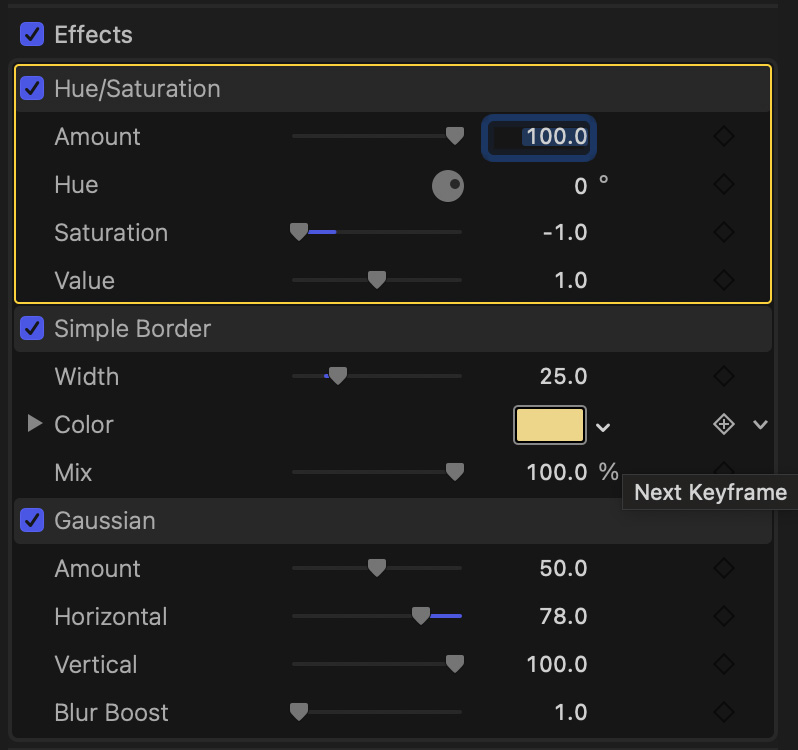

If I change the stacking order by dragging Hue/Saturation on top, then the image is first converted to black and white, then the yellow border is added, finally the entire image is blurred.
Again, not the same effect at all.
SUMMARY
As soon as you add more than one applied effect to a clip, the order in which they are added, or stacked, makes a difference in the look of an effect.
The good news is that if you don’t like the results, simply drag an applied effect up or down in the stack to change the processing order.
NOTE: You can’t change the processing order of built-in effects (Transform et al), but by using compound clips, you can achieve the same result. Here’s how.


