
 I enjoy writing about and teaching audio, because audio is a direct pipeline to the emotions; it tells us what we should feel. But no video editing software does a particularly good job with audio editing and mixing. For that, we need to use different software.
When it comes to audio editing and mixing, Adobe Audition is my new favorite tool. In this short, two-minute tutorial, I’ll show you how to lock individual audio clips in Audition so that they won’t drift out of sync with the video. This is an essential first step in doing any mix, however, this feature is not easy to find.
NOTE: This is an excerpt from a recent webinar entitled: Audio Mixing with Adobe Audition. You can download the entire webinar here or become a member and access all my video training via my new subscription membership.
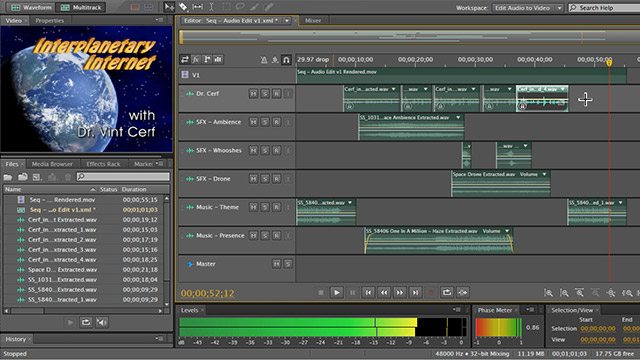
TRT: 2:26 — QuickTime HD movie
NOTE: This video will not play inside FireFox, please use a different browser.


