
388: Ask Larry Anything!
388: Ask Larry Anything!
$19.95
“Ask Larry Anything!” is a free-form discussion of media production and post-production questions submitted by viewers. Hosted by Larry Jordan, subjects include: Business, Export, Apple Final Cut Pro, Motion, and Adobe Premiere Pro.
Presented: Oct. 29, 2025
Several times each month, Larry Jordan presents a live, on-line, video webinar presenting issues related to video editing and post-production. For a list of upcoming webinars, click here.
Duration: 53:02
Download file size: 1.6GB (ZIP file)
Format: MPEG-4 movie (HD: 1920 x 1080)
DOWNLOAD NOTE: After you complete the store checkout process, you will see a Download Link on the Order Confirmation page. This link allows you to download the product to your computer. You are allowed four attempts over ten days to download the file.
File are very large and can take several minutes to download.
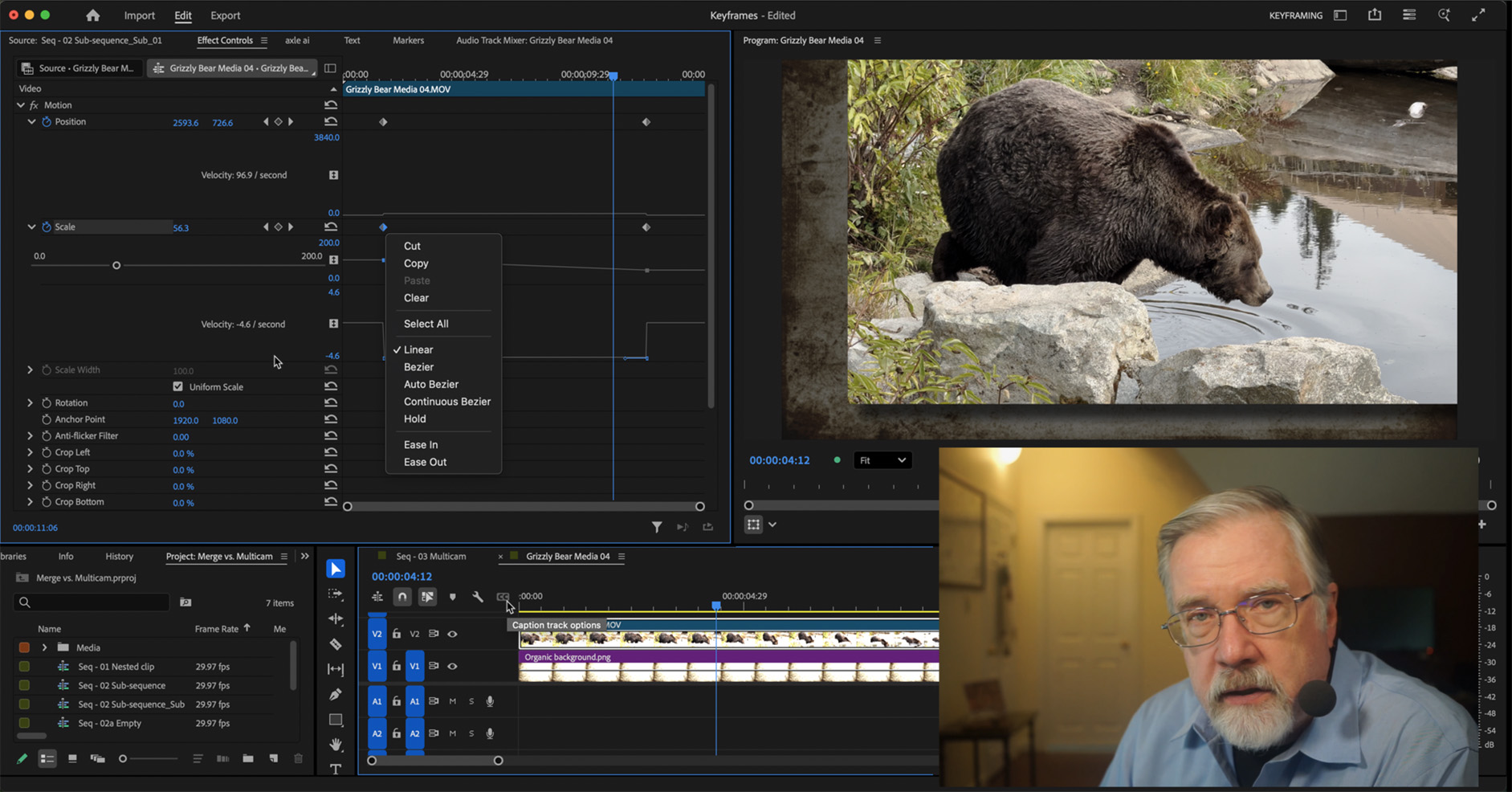
Click to see larger image.
SESSION DESCRIPTION
“Ask Larry Anything!” is a free-form discussion of media production and post-production questions submitted by viewers. Hosted by Larry Jordan, subjects range from simple beginner questions to very specific issues of features, media, and editing techniques.
“I really liked this session,” Larry Jordan comments, “because it covered a number of subjects I always wanted to talk about, but hadn’t yet had the time to discuss.”
This session focused on five key subjects: Business, Export, Apple Final Cut Pro, Motion, and Adobe Premiere Pro. Key questions included:
- How should we archive media and projects?
- What determines compressed file size?
- Would you explain Final Cut’s export settings?
- How can we create a “jittery old film” look in Motion?
- How should we set keyframes in Premiere?
- What’s a better way to set audio levels in Premiere?
More than 20 questions were illustrated and answered in this 53 minute session. The complete subject list is below.
AUDIENCE LEVEL
Subjects range from beginning to advanced. If a particular subject doesn’t interest you, just wait a minute and it will change.
CLOSED CAPTIONS
This webinar now includes a separate, SRT-formatted, closed caption file as one of the download files. This tutorial explains how to connect it to the video itself.
CHAPTER MARKERS
To help you quickly find the information you need, we included chapter markers in the QuickTime download to simplify navigation. Click here to learn how to display them in your download.
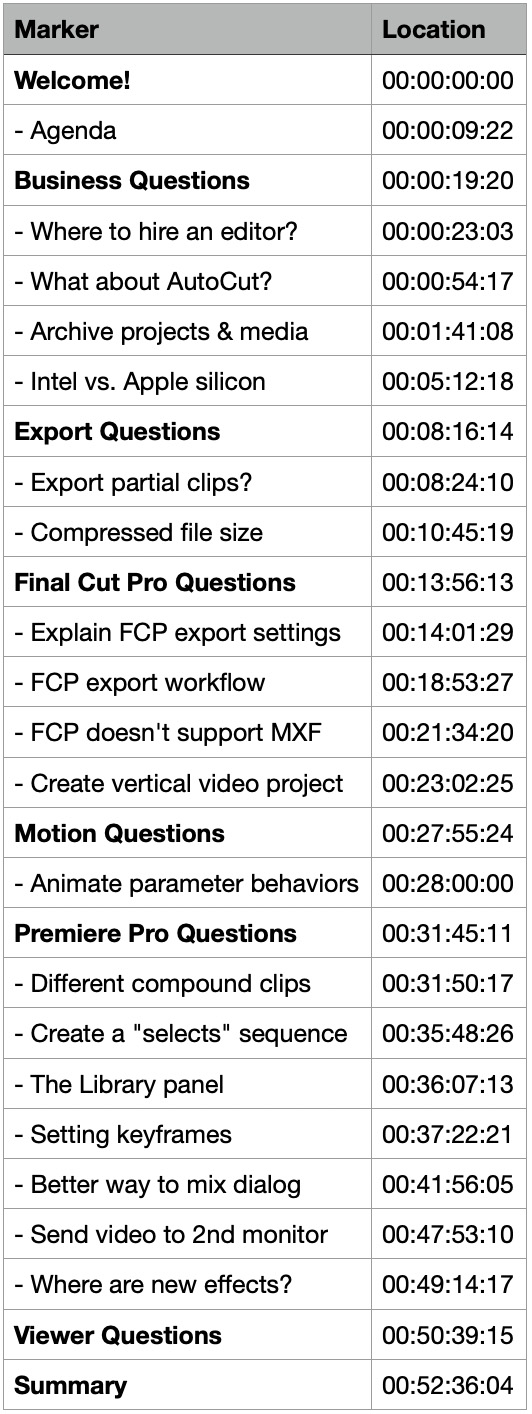
COMPLETE SESSION OUTLINE
- Welcome!
- – Agenda
- Business Questions
- – Where to hire an editor?
- – What about AutoCut?
- – Archive projects & media
- – Intel vs. Apple silicon
- Export Questions
- – Export partial clips?
- – Compressed file size
- Final Cut Pro Questions
- – Explain FCP export settings
- – FCP export workflow
- – FCP doesn’t support MXF
- – Create vertical video project
- Motion Questions
- – Animate parameter behaviors
- Premiere Pro Questions
- – Different compound clips
- – Create a “selects” sequence
- – The Library panel
- – Setting keyframes
- – Better way to mix dialog
- – Send video to 2nd monitor
- – Where are new effects?
- Viewer Questions
- Summary
