
390: New Features in Adobe Premiere 25.6
390: New Features in Adobe Premiere 25.6
Original price was: $19.95.$12.95Current price is: $12.95.
Last week’s release of Adobe Premiere 25.6 contained several stunning new features, including Media Intelligence-assisted search and tighter integration with Firefly. Join Larry Jordan as he shows how these new features work, along with a section on creating and using Markers in Premiere.
Presented: Dec. 10, 2025
Several times each month, Larry Jordan presents a live, on-line, video webinar presenting issues related to video editing and post-production. For a list of upcoming webinars, click here.
Duration: 40:20
Download file size: 1.26 GB (ZIP file)
Format: MPEG-4 movie (HD: 1920 x 1080)
DOWNLOAD NOTE: After you complete the store checkout process, you will see a Download Link on the Order Confirmation page. This link allows you to download the product to your computer. You are given four attempts over ten days to download the file.
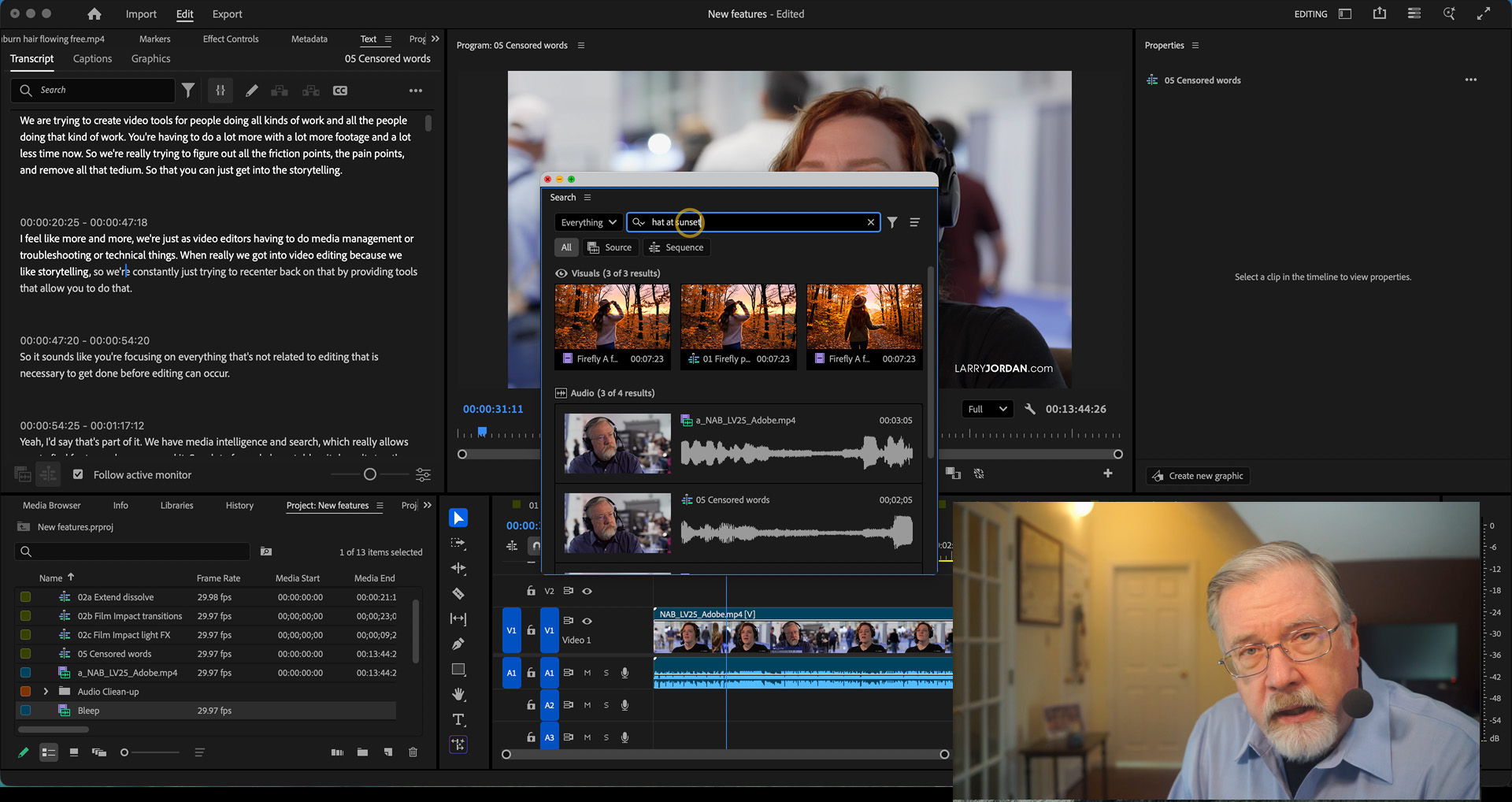
Click to see larger image.
SESSION DESCRIPTION
Last week’s release of Adobe Premiere 25.6 contained several stunning new features, including Media Intelligence-assisted search and tighter integration with Firefly.
- Firefly video integration
- Film Impact transitions and effects
- Adobe Stock extensions
- Frame.io extensions
- Censor key text automatically
- Media Intelligence-assisted search
- How to use markers
Join Larry Jordan as he shows how these new features work.
NOTE: The section on Markers does not include new features, but was a response to a viewer who wanted to understand how to use markers in Premiere.
AUDIENCE LEVEL
This is an intermediate-level session. Some knowledge of Premiere will be helpful in understanding this session.
CLOSED CAPTIONS
This webinar now includes a separate, SRT-formatted, closed caption file as one of the download files. This tutorial explains how to connect it to the video itself.
CHAPTER MARKERS
To help you quickly find the information you need, we included chapter markers in the QuickTime download to simplify navigation. Click here to learn how to display them in your download.
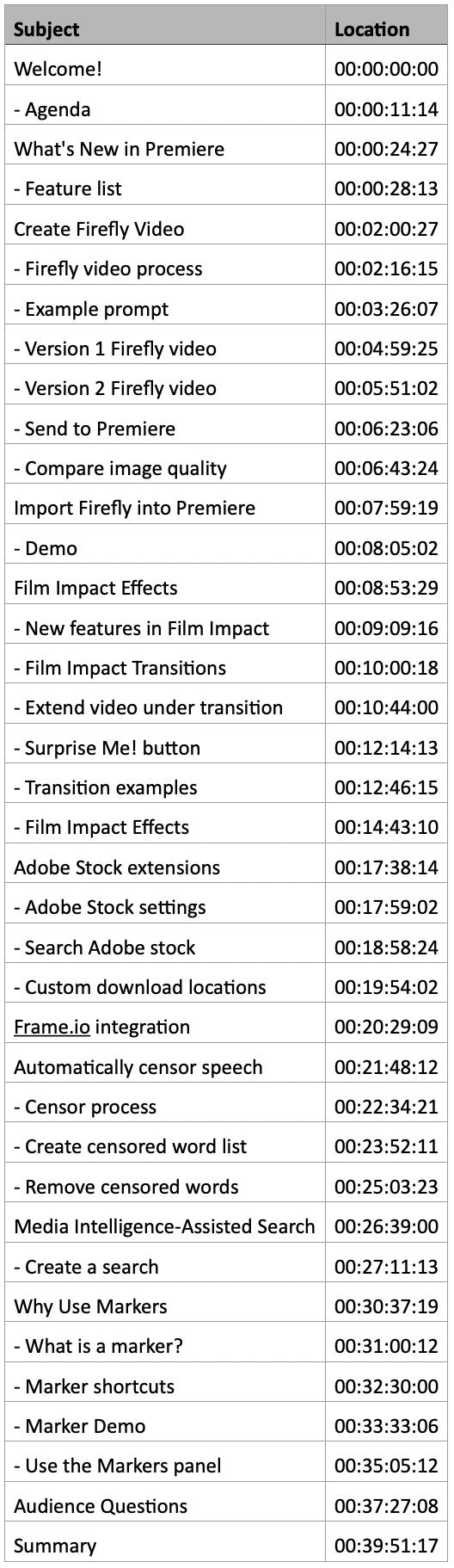 SUBJECTS COVERED
Welcome!
– Agenda
What’s New in Premiere
– Feature list
Create Firefly Video
– Firefly video process
– Example prompt
– Version 1 Firefly video
– Version 2 Firefly video
– Send to Premiere
– Compare image quality
Import Firefly into Premiere
– Demo
Film Impact Effects
– New features in Film Impact
– Film Impact Transitions
– Extend video under transition
– Surprise Me! button
– Transition examples
– Film Impact Effects
Adobe Stock extensions
– Adobe Stock settings
– Search Adobe stock
– Custom download locations
Frame.io integration
Automatically censor speech
– Censor process
– Create censored word list
– Remove censored words
Media Intelligence-Assisted Search
– Create a search
Why Use Markers
– What is a marker?
– Marker shortcuts
– Marker Demo
– Use the Markers panel
Audience Questions
Summary
